How to Fix NPC Face Flickering / Dimming in Horizon Forbidden West
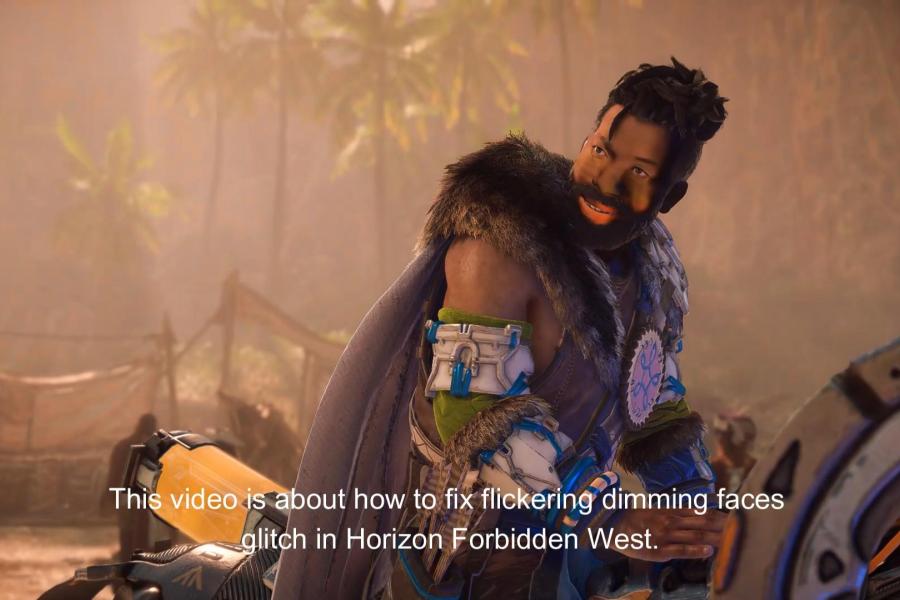
If you notice NPC faces flickering, dimming, or showing strange lighting artifacts in Horizon Forbidden West, the issue is most likely related to recent Nvidia drivers.
This glitch has been observed with Nvidia driver version 591.59 (December 2025) and newer.
Fortunately, the fix is simple.
Quick Fix
You have two options:
Option 1 — Disable Nvidia Reflex (recommended)
- Open Settings in Horizon Forbidden West
- Go to Display
- Scroll down to Nvidia Reflex Low Latency
- Set it to Off
This immediately stops the face lighting flicker and dimming glitch.
Option 2 — Roll Back Nvidia Drivers
If you prefer keeping Nvidia Reflex enabled, you can instead install an older GPU driver, for example from 2024 or early 2025.
However, disabling Reflex is usually the faster and easier fix.
Why This Happens
The Nvidia Reflex Low Latency option currently causes lighting issues in the game. When enabled, it can produce:
- NPC face flickering or dimming
- broken lighting on character models
- blue flashes when V-Sync is enabled
Turning Reflex off removes these artifacts and restores normal lighting.
Video Guide
If you prefer a quick visual walkthrough, the fix is also shown step-by-step in the video version of this guide:
https://youtu.be/IvNgwF-N33I
If this glitch was ruining your experience in Horizon Forbidden West, this small tweak should make the game look normal again.